Every Receipt Change Starts Here.
From business request to live stores, every team works together in one connected workflow.
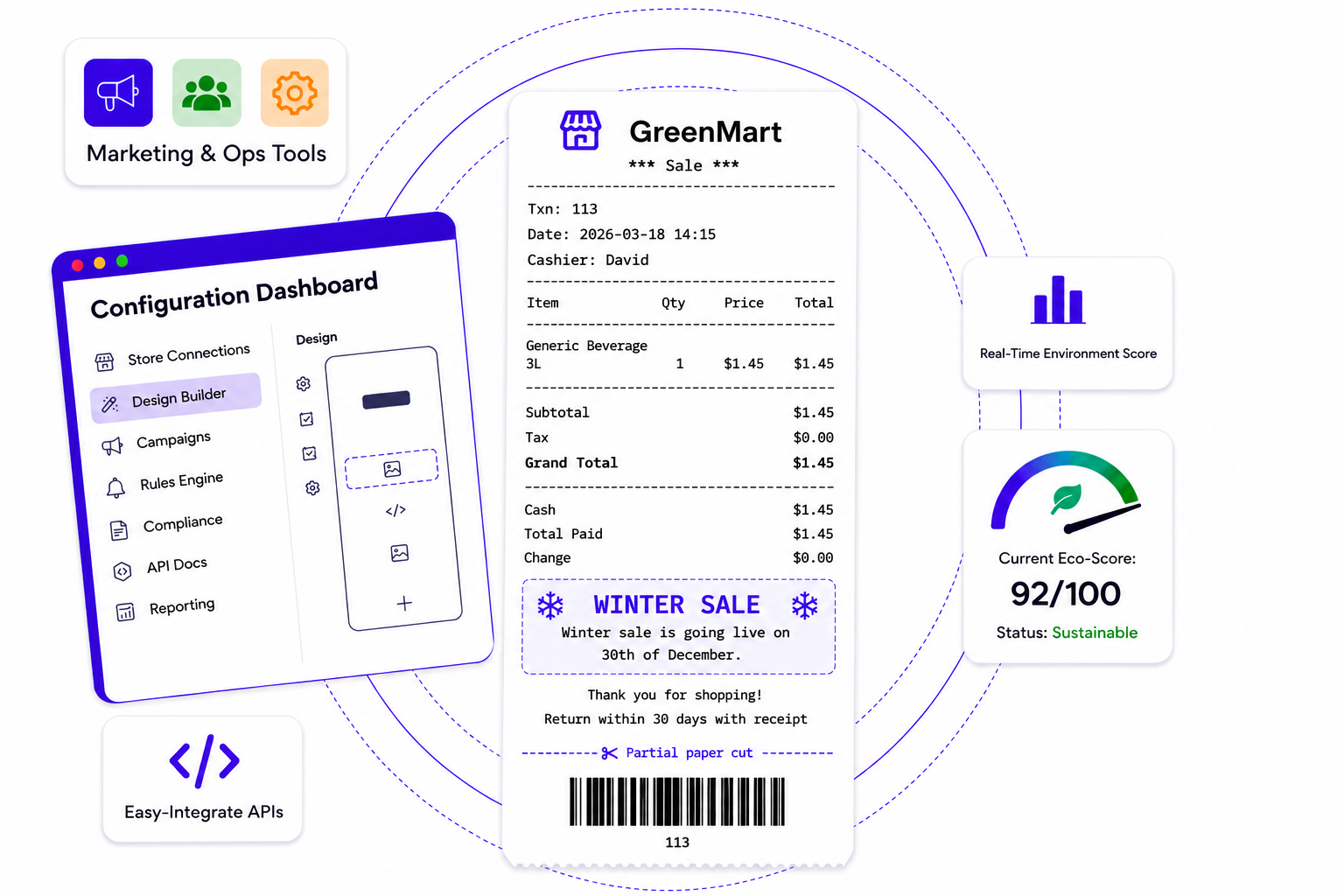
Built for Every Team
One workflow. Tailored for every team.
Global store configuration
Preview
Store name
Sale name
Taxi: 113
Date: 2026-03-18 14:15
Cashier: OP-009
Line Items
Item 1$1.45
Item 2$1.40
Item 3$1.45
Subtotal$1.48
Tax$0.00
Total$4.3
Thank you for shopping!
Returns within 30 days with receipt.
Returns within 30 days with receipt.
Integration Architecture Options
Choose the integration approach that best fits your environment.
Direct Integration
POS communicates directly with Receipt Configurator using an API key.
Receipt
Configurator
Configurator
API KEY
POS
(OS)
(OS)
BEST FOR
- ✓ Quick setup
- ✓ small deployments
- ✓ Simple architecture
- ✓ No local intallation required
CONSIDERATIONS
- ⓘ API key managed by POS
- ⓘ Direct network dependency
- ⓘ Less security control
Cross-Platform Utility
RECOMMENDEDA separate desktop utility acts as a bridge between POS and Receipt Configurator.
Configurator
Utility
POS
(OS)
(OS)
BEST FOR
- ✓ Multiple POS systems
- ✓ Offline receipt printing
- ✓ Fast checkout performance
- ✓ Secure API key management
See It. Then Try It.
Explore Receipt Configurator in your browser and
publish your first receipt in minutes.
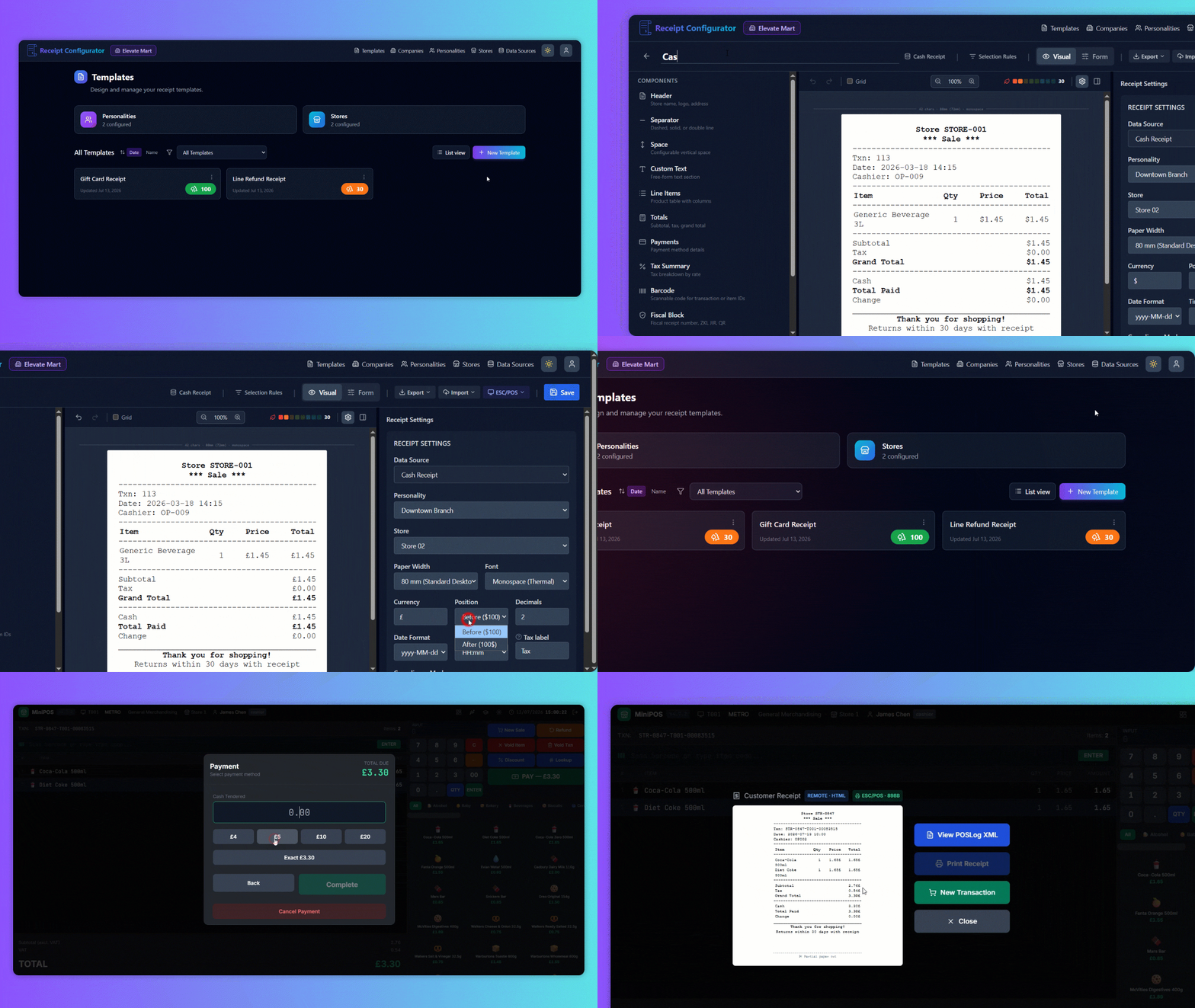
Try Receipt with MiniPOS
No signup. No installation. 100% secure.